Displaying Interactions
When displaying the map, location markers will appear for each interaction with a Latitude and Longitude position.
Left clicking on an interaction in the grid or left clicking on a location marker will select it and load that interaction in the timeline pane.
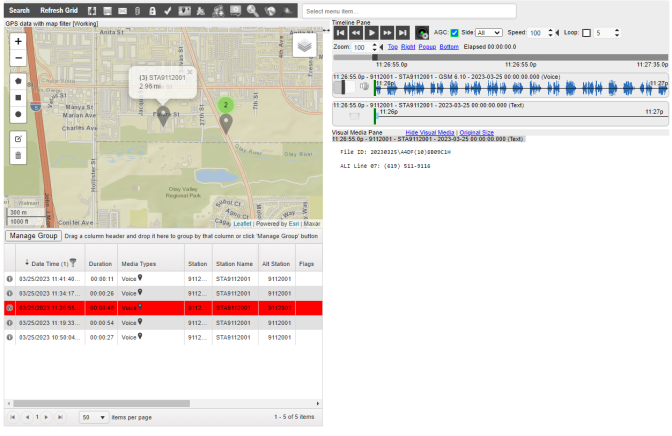
Selecting a Call
A call can be dismissed by left clicking on the location marker or the close button of the information popup above the location maker. This will unselect the call and unload it from the timeline pane.
Location marker colors will vary depending on the media type of the interaction. The location marker will also appear in the interactions grid under the Media Types column.
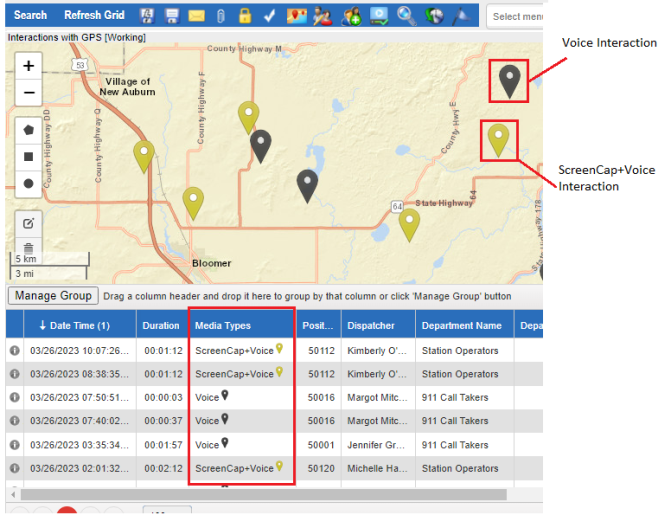
Location Marker Colors
The map can be zoomed in and out by using the following map controls:
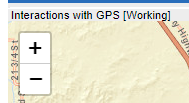
Map Zooming Controls