Save Redacted Files to Stand-Alone ZIP
Redacted recordings can also be queued and then saved to a Stand-Alone ZIP file that includes the recordings and interaction data, and the software necessary to play back the recordings. After a recording has been redacted, click on the Manage Saved Media button in the Timeline Pane and select the Queue Redacted Recording to Stand-Alone ZIP File option. You can queue up any number of recordings as you redact them one at a time. When you have redacted all the recordings you need, click on the Manage Saved Media button and select Save Queued Recordings to Stand-Alone ZIP File.
Users can distribute redacted recordings via the ZIP file. This allows sensitive information to be eliminated from the recordings before the files are distributed. Also, by saving the files from within Retrieval, the audio is bundled with the easy to use, yet secure, Stand-Alone player for listening to the recordings.
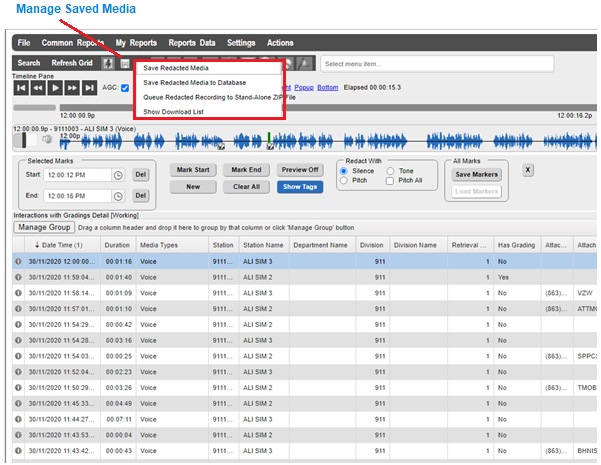
Save to Stand-Alone Zip – Redacted Recordings